

AI Workflows That Actually Work for People Leaders (Webinar Replay and Notes)
Didn't catch our most recent webinar? Check out the replay here!

Most AI content aimed at HR and people leaders is useless. It’s either too theoretical (”AI will transform the future of work!”) or too technical (”here’s how to configure your MCP server”). Neither of those things helps you on a Tuesday afternoon when you’re drowning in context-switching and trying to actually get something done.
So yesterday, we hosted a webinar with two guests who are actually building real AI workflows inside real companies right now.
Sarika Lamont is the Chief People Officer at Vidyard. She’s spent over two decades helping companies with people strategy and now has AI embedded into basically everything she does.
Diane Tavenner is the co-founder and head of product at Clarinet, a company that has helped train over 100,000 people on AI adoption and advised 60+ organizations on this transition.
Here’s what we pulled from their session that I think you’ll actually use.
Want to watch the full webinar replay? Click here!

The “Voice Twin” Skill (And Why You Should Build One Today)
Sarika kicked things off by walking through something she calls her executive voice skill. The idea is simple: you train Claude to understand how you communicate so it can help you draft messages, emails, and Slack responses in your actual voice — not some generic AI voice that sounds like it was written by a robot intern.
She started, by the way, by just asking Claude how to build it. That’s it. No technical knowledge required. She typed something like “I want to build a skill that documents my voice, tone, and approach for internal communications. Walk me through it.”
Claude then interviewed her. It asked things like: When someone challenges you in Slack, what’s the first thing you think before you respond? When a message is getting too long, what do you cut first?
Over five or six back-and-forths, it built a document that captured her persona — not just her title, but how she actually thinks, what she optimizes for, what she deliberately avoids. That document becomes a skill she can reference every time she needs to draft something.
Diane added a tip here that was genuinely useful: Claude has a built-in skill creator you can access by typing “/” and selecting “skill creator.” You don’t have to build this from scratch. You can also say “read the last 30 days of my emails and create a style guide” — if you have your email connected to Claude, it’ll do exactly that.
The point isn’t to let AI speak for you. Sarika was clear about this. It’s a thought partner. You give it context, it helps you get your thoughts organized faster, and you still own the final output. That distinction matters.
Planning a team retreat in 2026/2027? Offsite has helped hundreds of companies save time, money, and stress when planning team retreats globally. Click here to chat with a human expert from our team! :)
The “Second Brain” Setup (And How It Works)
This one is bigger. Sarika went through what she and her head of IT built together over the last month or so — an intelligence layer that aggregates context from all the different places she works.
She’s in Slack all day. She’s in Google Workspace. She uses a meeting note-taker called Fellow. She has a performance and engagement tool. Data and context live in a dozen different places, and her job — more than she’d like — is just connecting people and giving them context at the right moments.
The second brain solves that. Essentially, they built a Confluence page that acts as a hub, and Claude is connected to it. Every morning, it can pull from her calendar, her meeting notes, her Slack, and surface what she needs to focus on for that day. When she’s about to meet with someone, she can ask Claude what was outstanding from their last conversation. When her team has follow-ups from a meeting, Claude can push agenda items directly into Fellow without her ever opening the app.
She described it as having an executive assistant who has complete context and never sleeps.
Now — the technology you use here matters less than the principle. Diane framed it well: AI legibility. That’s the jargony term, but it just means “can AI see the data it needs to complete the task?” The number one blocker she sees when helping organizations increase AI adoption is that the data is fragmented across too many places and AI can’t access it. Before you worry about which AI tool to use, ask yourself: have I given it access to the things it needs to actually help me?

The Meeting Follow-Up Agent (This One Is a Game-Changer)
Diane runs a scheduled task in Claude Cowork that I wish existed five years ago.
Every day at 3pm, it runs automatically. It pulls her transcripts from Fathom (her AI note-taker), reviews her calendar, and does three things:
Summarizes every meeting from the last 24 hours
Prioritizes her action items
Drafts all follow-up emails in her voice — ready to edit and send
She showed a live example. It looked exactly like what you’d hope for. Not a mess of bullet points. Actual drafted emails, in her voice, that she just needs to review and hit send on.
She has it set up so the drafts go straight into Gmail. You can do the same for Slack.
This stacks with the voice twin. The agent doesn’t just summarize — it writes in her style because it knows her voice. That’s the layering effect Diane kept coming back to: the real leverage isn’t any single workflow, it’s what happens when you start combining them.
The Prompt That Should Unlock Your Next 10 Workflows
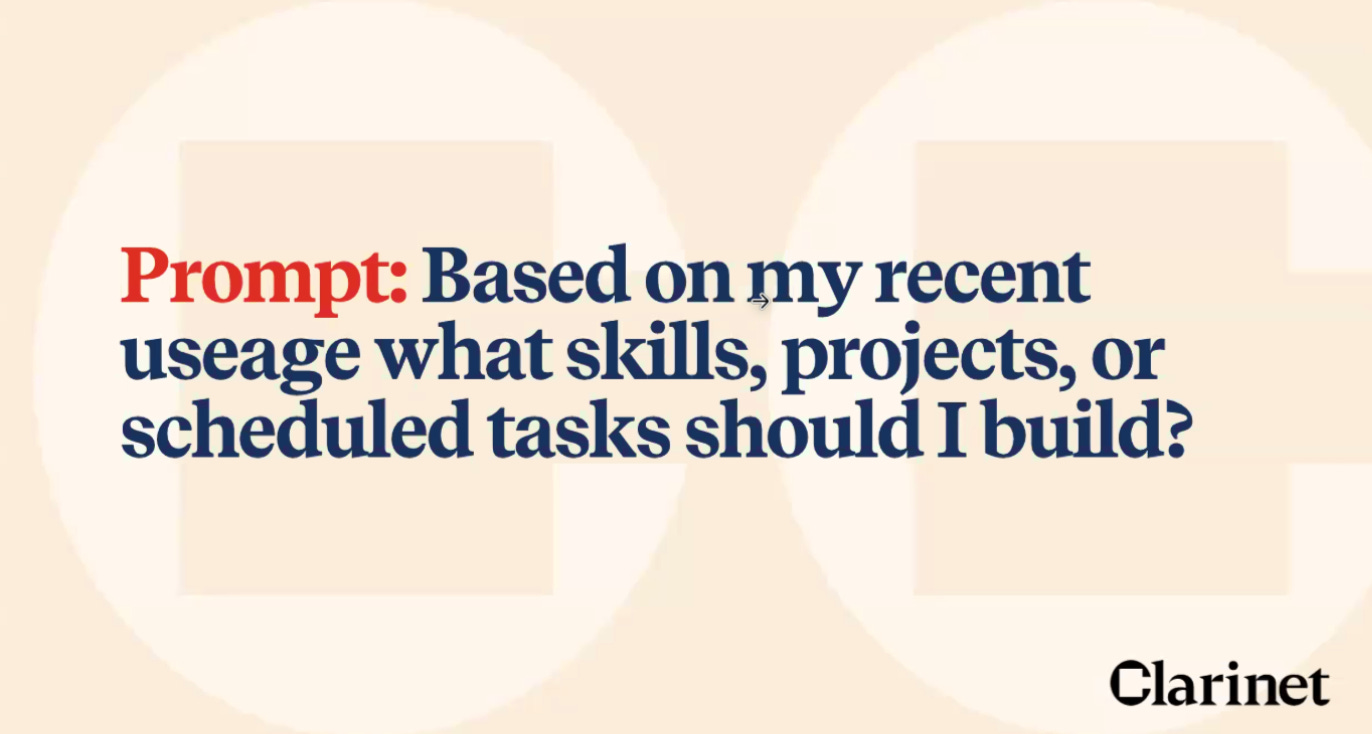
Diane ended with a prompt I’m going to steal immediately. If you’re using Claude or ChatGPT regularly and you’re not sure what else to automate, try this:
“Based on my recent usage, what skills, projects, or scheduled tasks should I build?”
If the tool has memory (Claude and ChatGPT do; Gemini doesn’t, so you’d need to give it context about your role), it will look at your patterns and tell you exactly where you’re doing repetitive work that could be systematized. Then you can say “help me build number one right now” and you’re off.
This is the part I think most people miss. They spend so much time asking “what should I automate?” when the answer is already sitting in their usage history.
The Bigger Point Here
There was a moment in the webinar where Diane said something I keep thinking about.
“Psych safety is now a business risk.”
She meant it literally. If your team is pretending to understand AI when they don’t, if they’re building flashy demos instead of solving real problems, if they’re burning out trying to look fluent — that’s a business problem. Not a culture problem. A business problem.
The best thing you can do right now isn’t to mandate AI adoption. It’s to create enough safety that people can admit what they don’t know and start from there.
That’s what Vidyard did with their AI Slack channel and monthly “AI Fry-Day” sessions (yes, spelled that way). That’s what Clarinet does with every company they advise.
The AI workflows aren’t the hard part. Getting people comfortable enough to actually try them is.
If any of this felt useful — and especially if it made you think “I should probably figure out what workflows we’re missing” — that’s exactly the kind of thinking we try to support through our content here.
And if you’re currently planning a team offsite or thinking through what your next company gathering should look like, we’d love to help. Create a free account at Offsite.com and see what’s possible.
Thanks for reading.
PS - when you’re ready to plan your next offsite, search our curated marketplace with thousands of amazing offsite venues, up to 50% savings on room blocks, meeting space, and more.
Plus, we offer end-to-end offsite planning services if you want a “done for you” experience. See why companies like Remote, Buffer, Guild, Perplexity, 15Five, and others trust Offsite for their team retreats.
Upcoming Events and Webinars
May 26 - Dinner for Chief People Officers and CHROs in New York (1 or 2 spots left for C-Suite execs only of 250+ person companies, ideally remote/hybrid/distributed)
June 9 - “Unfiltered” Dinner in New York
June 9 - “Unfiltered” Dinner in Los Angeles
June 10 - Dinner for Chief People Officers and CHROs in San Francisco
June 10 - [WEBINAR] “State of the Union” for Executive Assistants
June 23 - [WEBINAR] Offsite Budgeting Masterclass
Sept 18 - “Unfiltered” Conference in San Francisco